Analytics for AiSK
Analytics Overview
Analytics for AiSK is to enable users to track and get insights into the performance of their AiSK bots, empowering users to make informed decisions and optimization effectively and efficiently.
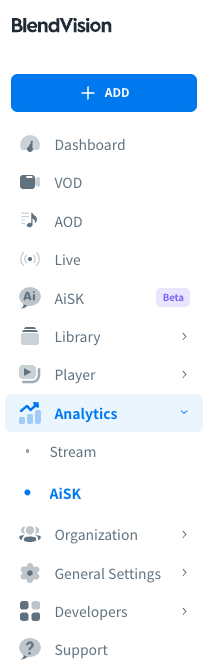
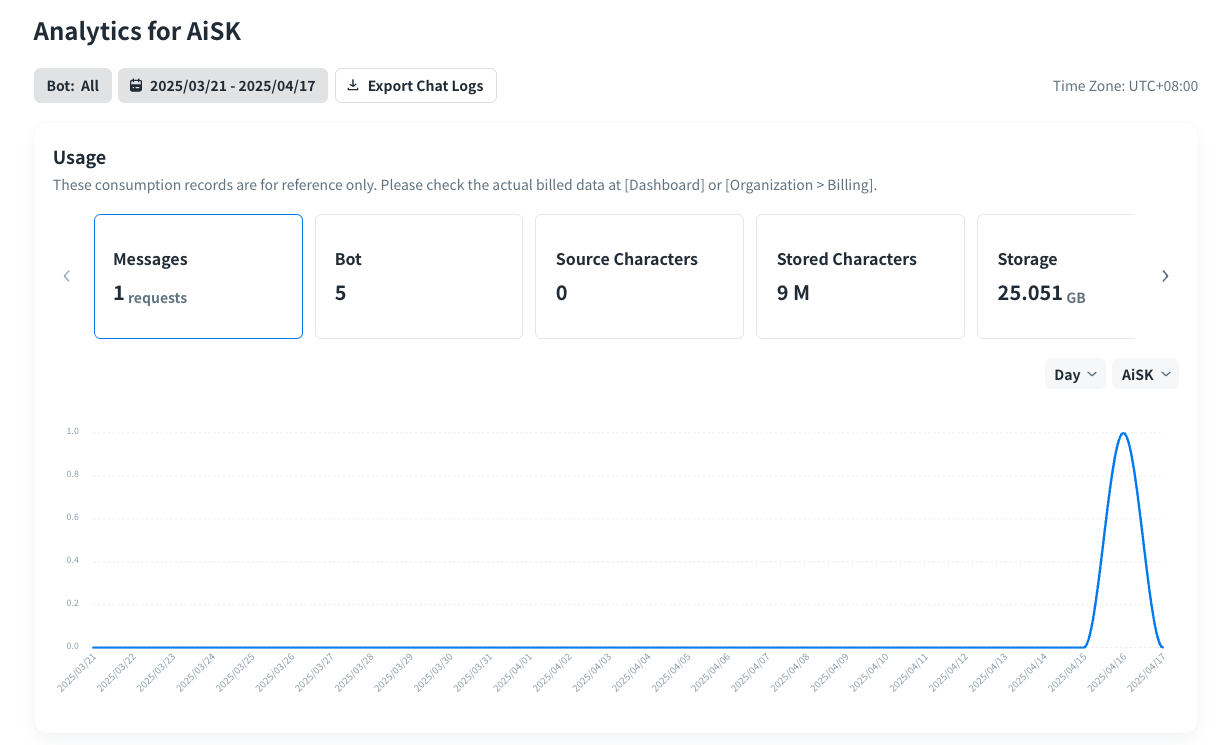
Bot and Time Range filters
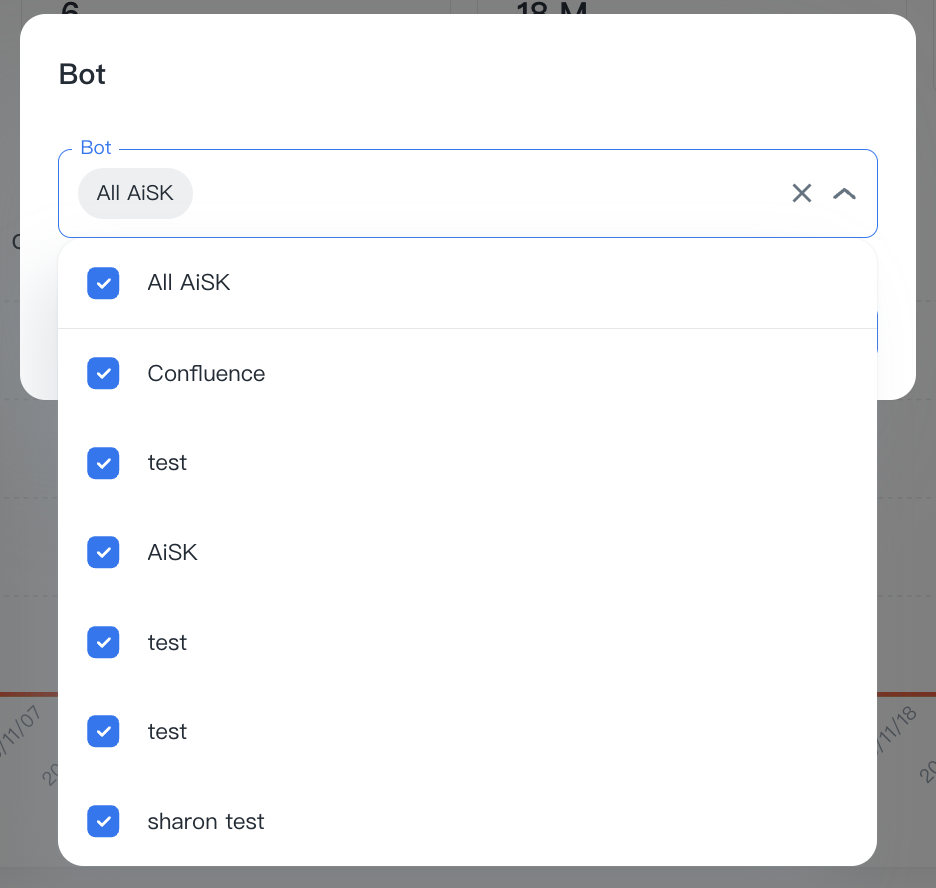
You can set up filters to narrow the data displayed on the visualized graphics:
- Bot: Select and filter the bots you would to be included
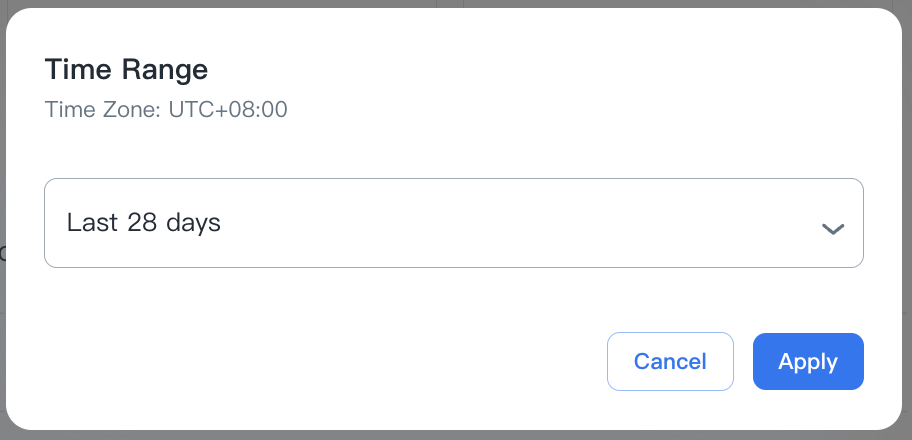
- Time Range: Select and filter the time range
- Last N days: select from 7, 28, 90, and 365 days.
- Custom: set a custom start and end date.
Note: All data is displayed in UTC
 ****
****
Export Chat Logs
You can download AiSK’s chat logs report to confirm the chat details via AiSK service.
Download Chat Logs
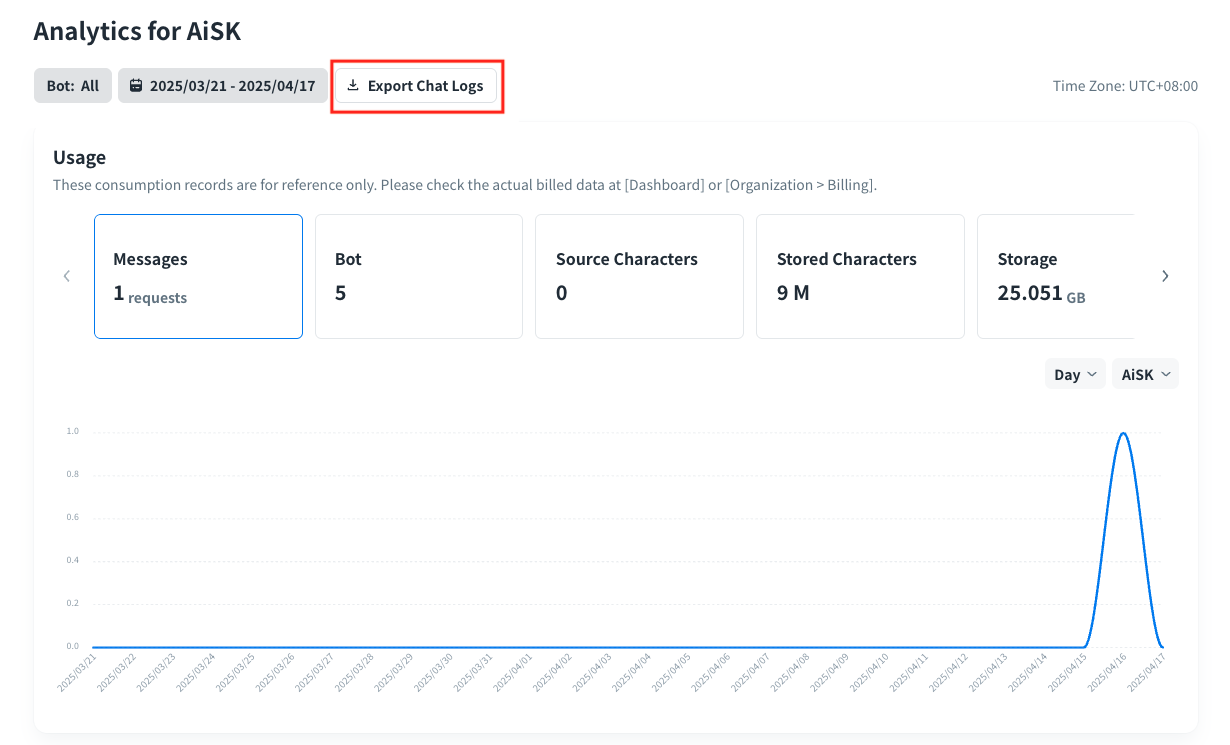
After selecting the bot and time range you preferred, click “Export Chat Logs” to download the report in CSV.
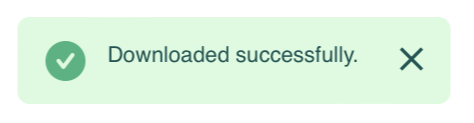
Once the download is complete, the following notification will be displayed.
Report formats
The downloaded file will come in the following formats:

- File name:
- Name rule: aisk_chat_log_<start_time>_<end_time>
*Note: Start and end time will display as YYYYMMDD
- File format: Only support the .csv format
- File data field:
Data
Definition
bot_name
The title of the AiSK bot
bot_id
The unique ID of the AiSK bot
session_id
The ID for each AiSK connection session
time
The time your user starts a conversation with AiSK, which is recorded according to the time zone of the organization)
device
The device of your user used, including device ID, platform, category and browser
query
The original question your user asked
processed_query
The actual question built with more detailed background and information via AiSK
intent
The bot function of the AiSK bot set as created
answer
The answer of the question
retrieval_docs
The related documents about the question, including source id and content
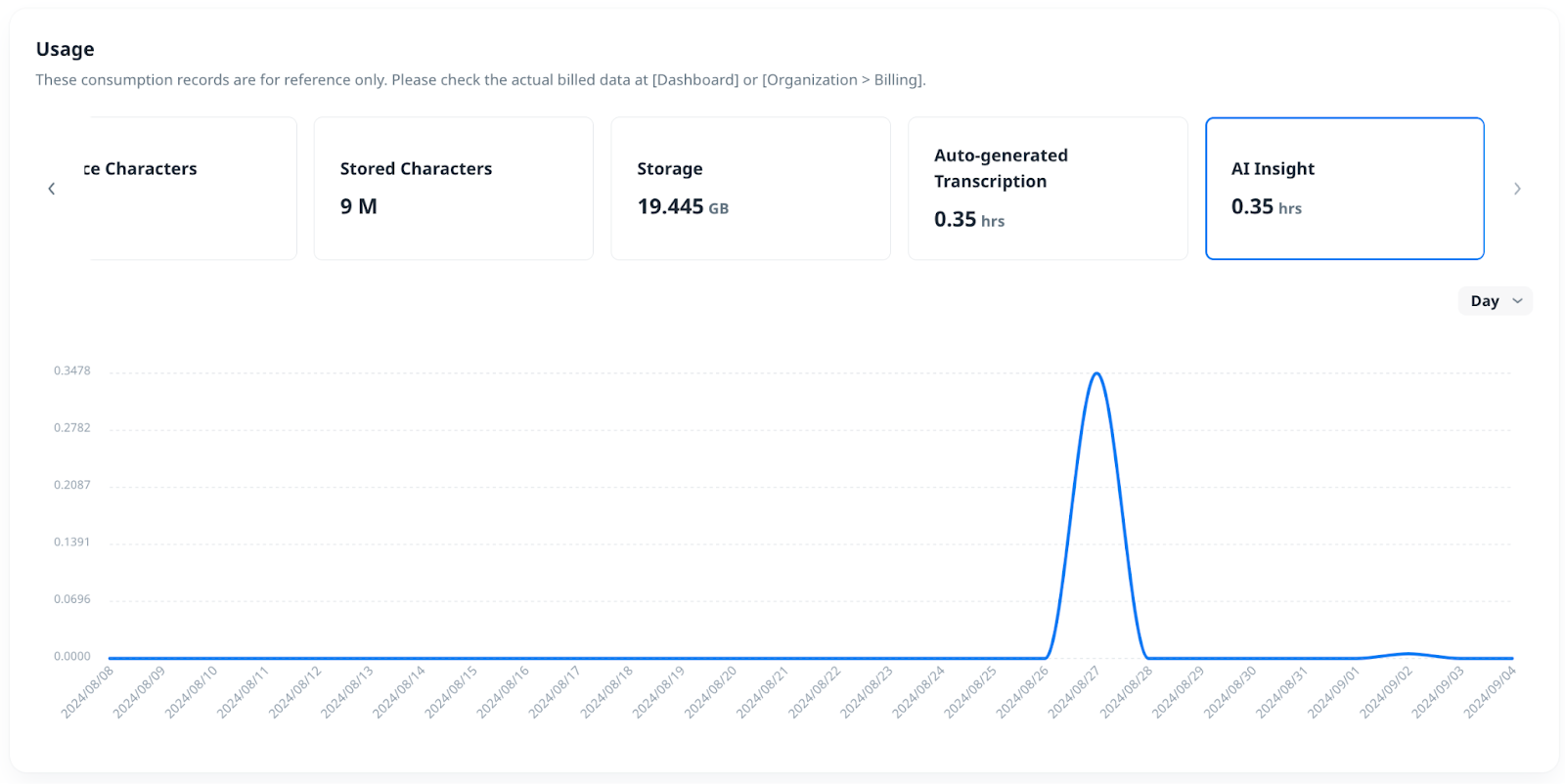
Usage
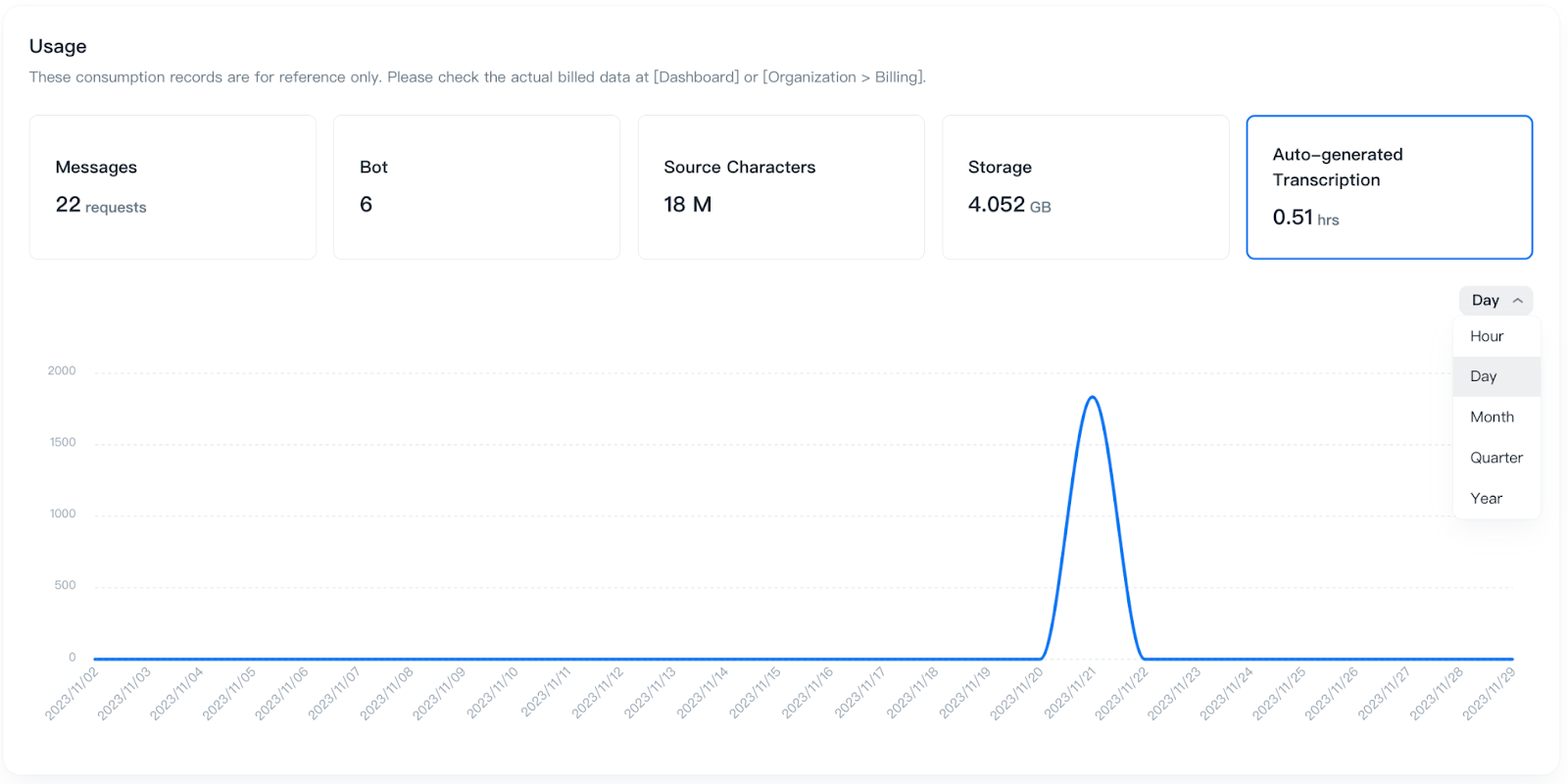
These consumption records are for reference only. Please check the actual billed data at [Dashboard] or [Organization > Billing].
Messages
The count of messages (User query).
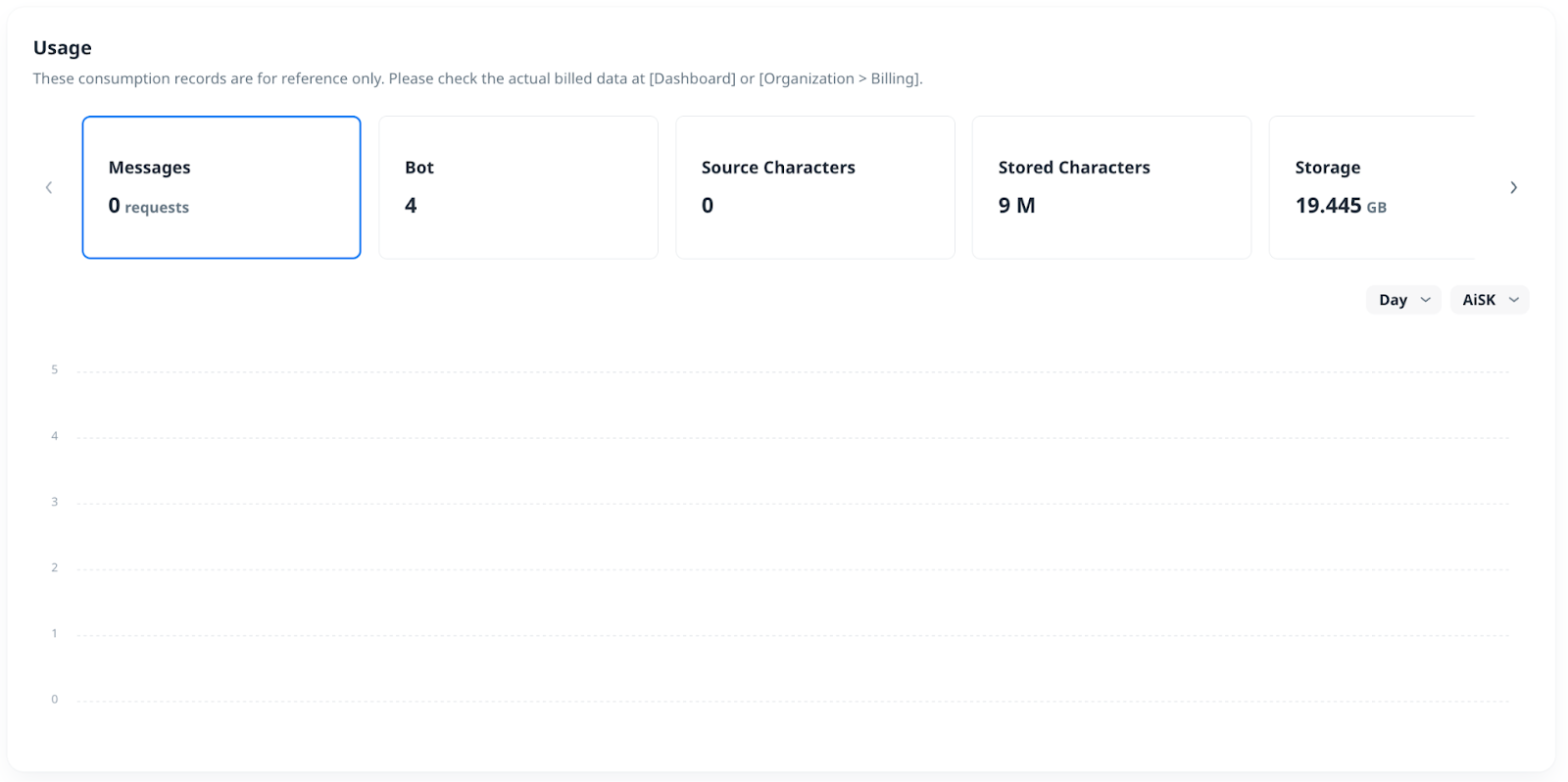
You can confirm the Messages count based on each AiSK.
Bot
The amount of Ready unique bot (Bot ID) counting consumption.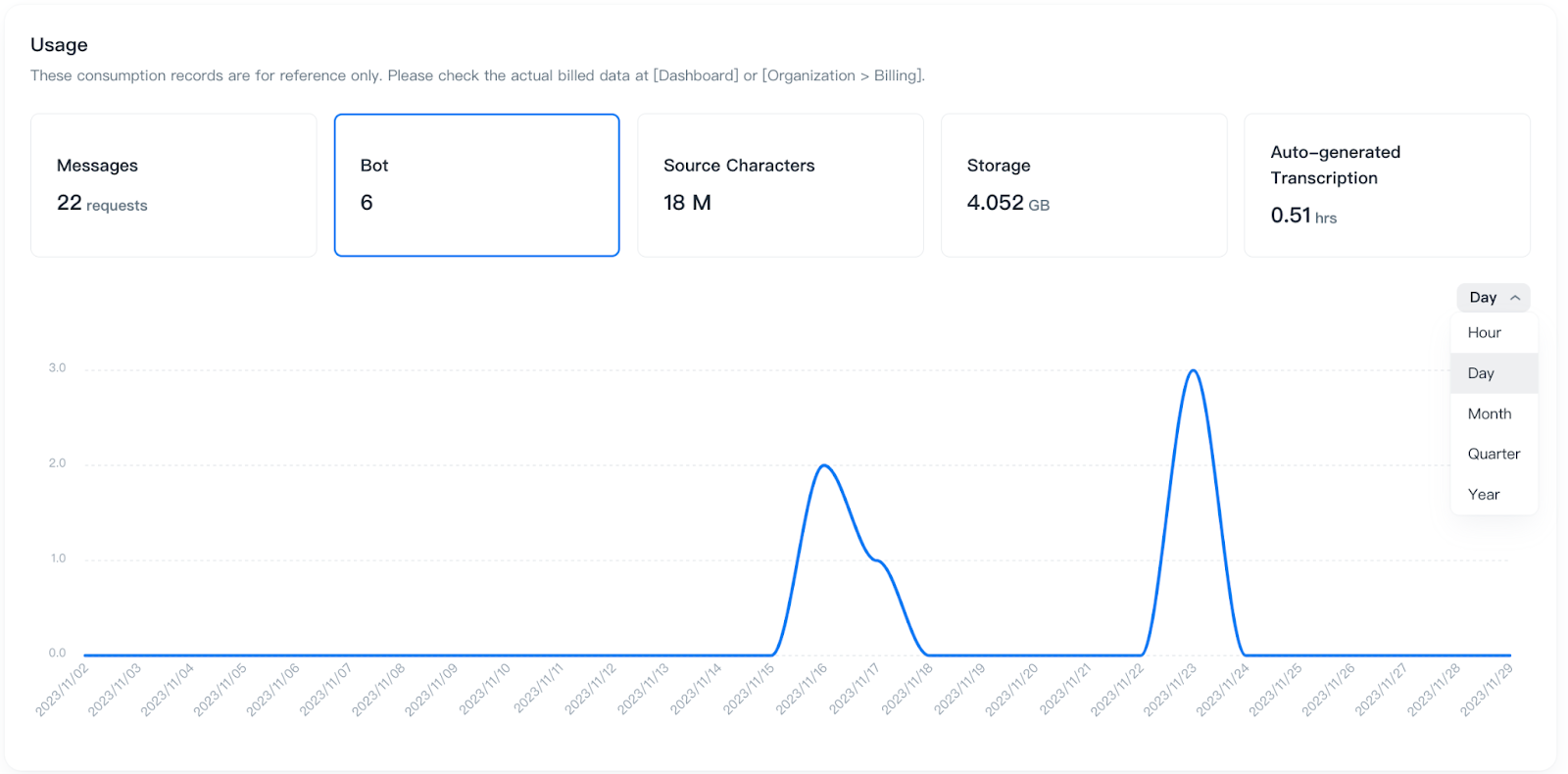
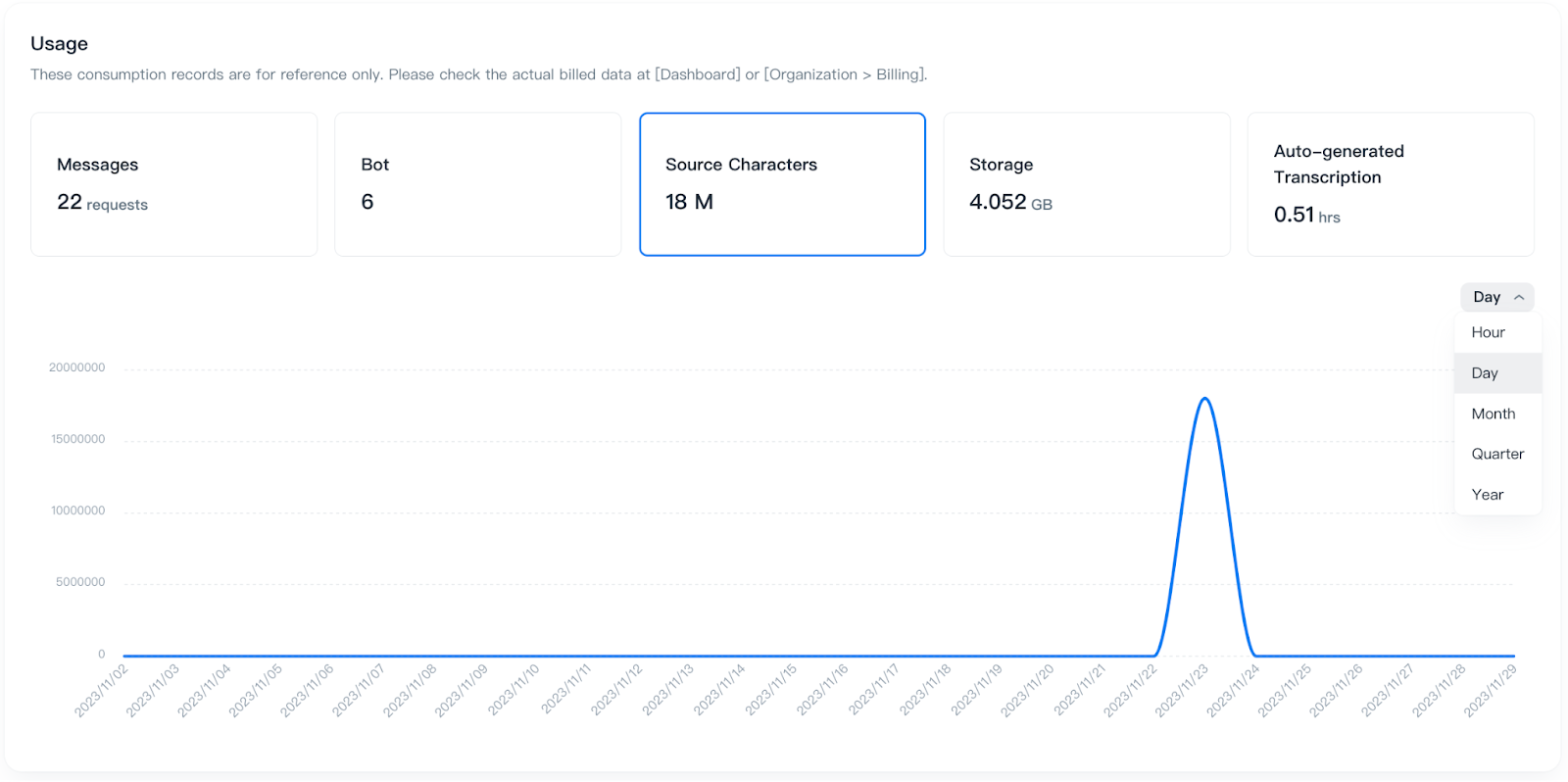
Source Characters
The count of Source characters.
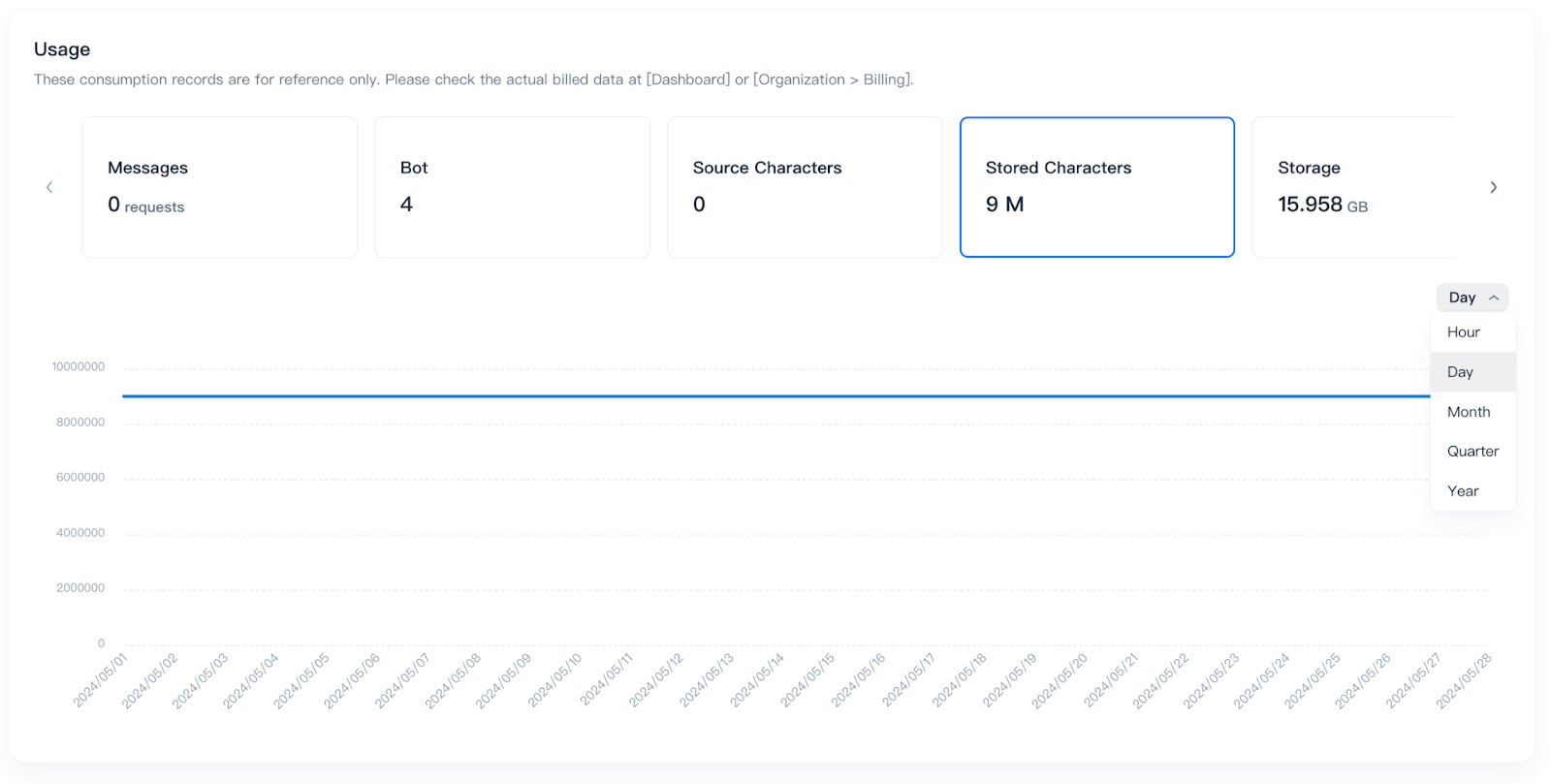
Stored Characters
The count of Stored characters.
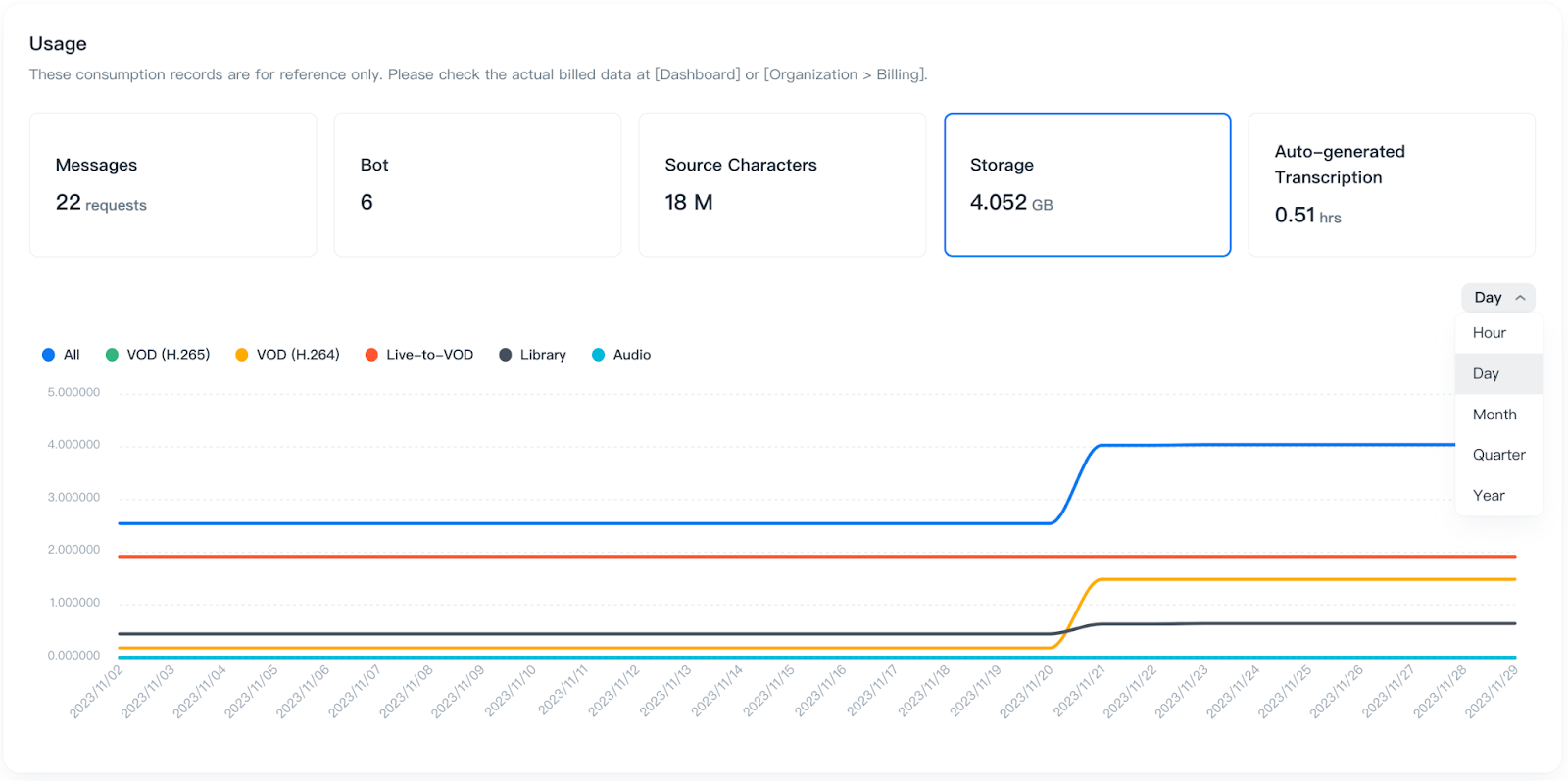
Storage
The count of storage consumption. The graphic will show your storage usage for encoding and file storing.
Auto-generated Transcription
You can confirm the consumption with the length of the Source files multiplied by the number of audio tracks.
AI Insight
You can confirm the consumption with the length of videos used by auto-tagging.